

What Are Collaborative Learning Tools?
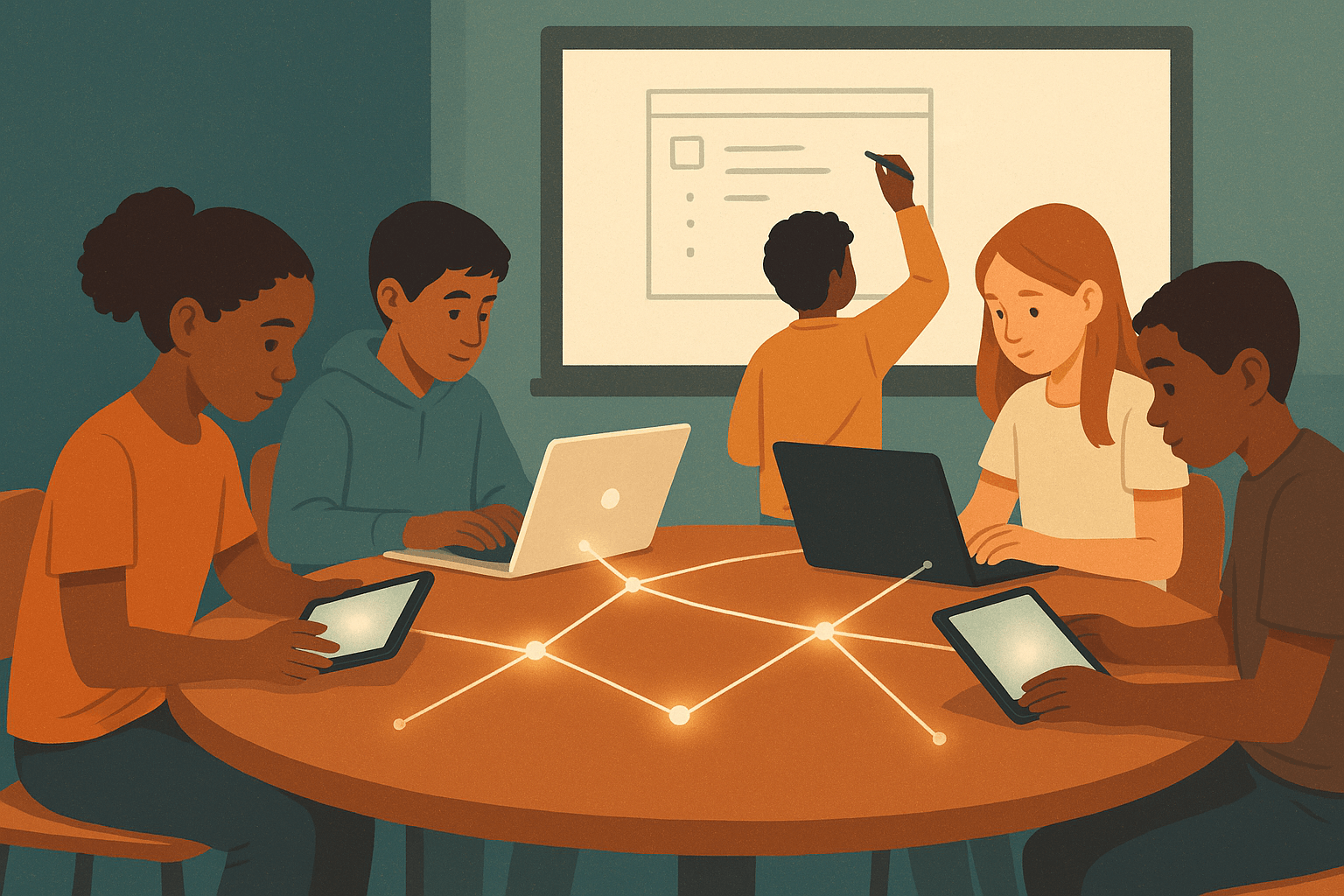
Collaborative learning tools are digital platforms and applications that allow students to work together on shared tasks, projects, and discussions — in real time or asynchronously. They support peer interaction, shared problem-solving, and co-creation of knowledge. Unlike solo learning software, these tools are designed to make thinking visible and group work meaningful.
The best collaborative learning platforms do more than digitize group work. They create structured spaces where students build on each other's ideas, receive peer feedback, and develop communication skills alongside academic content.
Why Collaborative Learning Technology Matters in Today's Classrooms
Most students will enter workplaces that run on collaboration. Yet many classrooms still reward individual performance almost exclusively. That gap is worth examining.
Research consistently supports peer learning as a driver of deeper understanding. A landmark meta-analysis by Robert Slavin at Johns Hopkins found that cooperative learning approaches produce meaningful gains in academic achievement across grade levels and subject areas. The mechanism is straightforward: explaining ideas to others forces students to organize and test their own thinking.
Digital collaborative tools extend this effect beyond the classroom walls. They allow students to keep working together after the bell rings, revisit shared documents, and include voices that might stay quiet in a live discussion.
The Shift from Group Work to Genuine Collaboration
There is a real difference between assigning group work and designing collaborative learning experiences. Traditional group work often results in one student doing most of the work. Well-designed collaborative platforms make individual contributions visible and hold each learner accountable.
This accountability shift changes the dynamic. Students are more likely to engage when their input is tracked, valued, and responded to by peers.
Types of Collaborative Learning Platforms Used in K–12 Education
Not all collaboration tools serve the same purpose. Understanding the categories helps educators choose the right fit for their instructional goals.
Real-Time Collaboration and Shared Workspaces
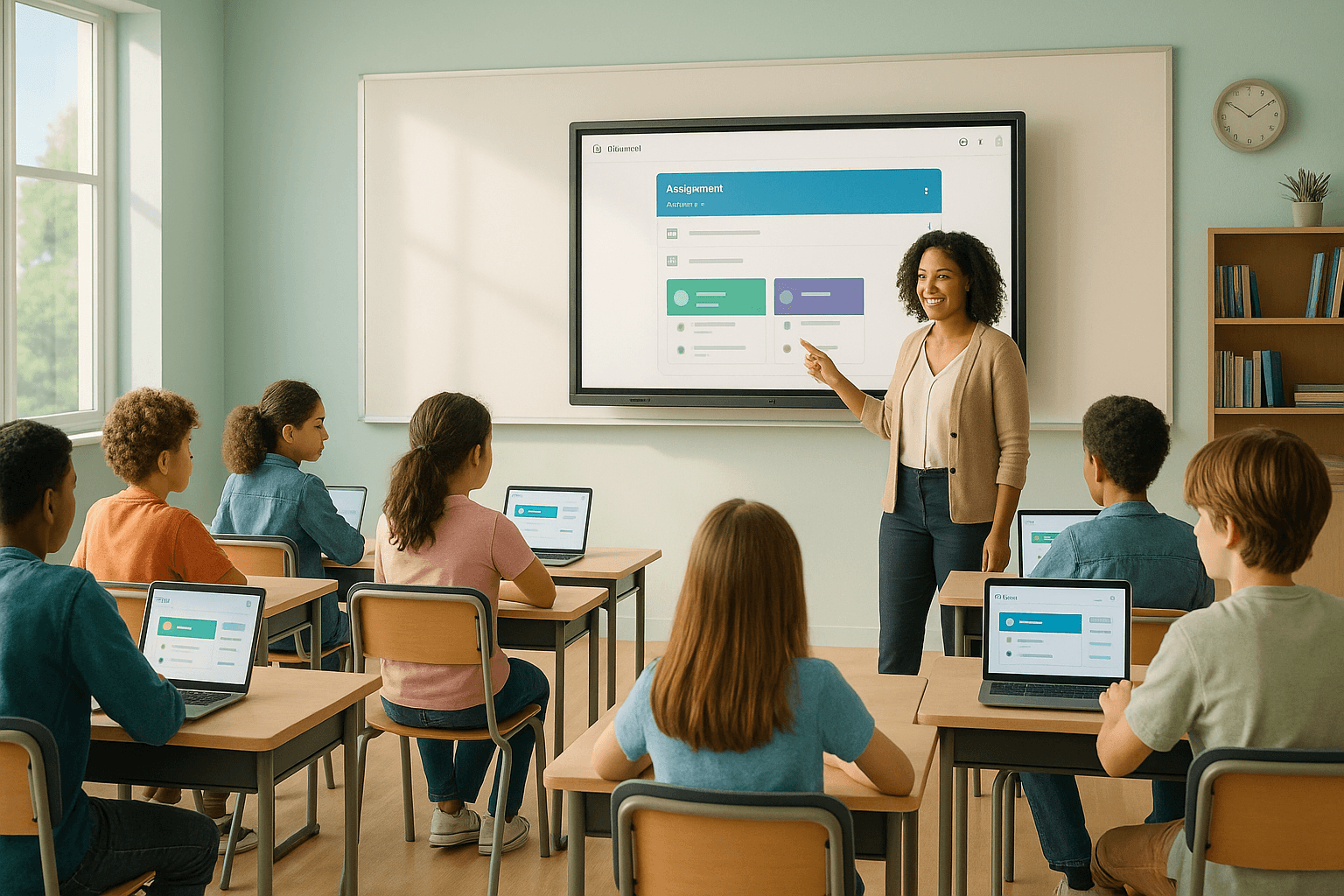
These platforms allow multiple students to work on the same document, whiteboard, or project simultaneously. Google Workspace for Education is the most widely adopted example, offering shared Docs, Slides, and Sheets that update live. Microsoft Teams for Education offers similar functionality within a more structured communication environment.
Platforms like Jamboard, Miro, and FigJam give students a visual, flexible space for brainstorming and mapping ideas together. These tools work especially well for project-based learning and design thinking activities.
Discussion and Peer Feedback Platforms
Asynchronous discussion tools let students contribute ideas on their own schedule. Padlet functions like a collaborative bulletin board where students post text, images, links, and videos. Flip (formerly Flipgrid) takes this further with short video responses, which adds a human dimension often missing from text-only tools.
Platforms like Perusall and NowComment are built specifically for social annotation — students read shared texts and leave comments, questions, and reactions directly on the document. Research from Harvard's learning lab found that students who annotate collaboratively arrive at class better prepared and more willing to engage in discussion.
Project Management and Team Coordination Tools
Older students benefit from tools that mirror professional workflows. Trello, Asana, and Notion allow student teams to assign tasks, set deadlines, and track progress. These platforms teach project management skills alongside content knowledge — a combination that prepares students for post-secondary environments.
When used thoughtfully, these tools help teachers see how a group is functioning, not just what they produced at the end.
Collaborative Coding and STEM Platforms
For STEM-focused classrooms, platforms like Scratch, Tinkercad, and Replit allow students to build and iterate on projects together. Scratch's remix culture encourages students to build on each other's work openly. Replit's multiplayer coding feature lets students write code side by side in real time — a powerful model for peer learning in computer science.
How to Choose the Right Collaborative Learning Tool
The sheer number of available platforms can feel overwhelming. A few clear criteria help narrow the field.
- Alignment with learning goals: Does the tool support the specific type of collaboration you want — discussion, co-creation, peer review, or project coordination?
- Age appropriateness: Younger students need simpler interfaces with fewer steps. Tools designed for adults often frustrate elementary learners.
- Data privacy compliance: Any platform used with minors must comply with FERPA, COPPA, and applicable state regulations. Verify this before adoption.
- Equity of access: Consider whether all students can access the tool from home. Device compatibility and internet requirements matter.
- Teacher visibility: Good tools give educators a clear window into group dynamics and individual contributions.
Choosing one tool well beats adopting five tools poorly. Start with what solves a specific classroom problem, then expand from there.
Collaborative Learning Strategies That Make These Tools Work
Technology alone does not create collaboration. The pedagogy behind the tool determines whether students actually learn together or just share a screen.
Structured Roles Within Digital Groups
Assigning roles — facilitator, recorder, researcher, presenter — gives each student a defined contribution. When roles rotate across projects, every student practices different skills. Digital tools make role assignments visible and enforceable in ways that physical group work cannot.
Peer Review and Feedback Cycles
Platforms like Google Classroom, Seesaw, and Peergrade allow structured peer feedback. Students review each other's work against a rubric and leave specific, actionable comments. This process deepens understanding for both the reviewer and the recipient.
The key is teaching students how to give useful feedback before expecting them to do it well. Feedback quality improves significantly when students practice with low-stakes examples first.
Visible Thinking Routines in Shared Spaces
Project Zero's Visible Thinking routines — such as Think-Pair-Share, I See/I Think/I Wonder, and Claim-Support-Question — translate naturally into digital collaborative spaces. Students can post their thinking on a shared Padlet or annotate a shared document using these frameworks.
Making thinking visible helps teachers identify misconceptions early and helps students learn from each other's reasoning processes.
Collaborative Learning Tools for Remote and Hybrid Classrooms
The pandemic accelerated adoption of online collaboration tools at a scale no one anticipated. What emerged from that period is a clearer picture of what works — and what doesn't — when students learn at a distance.
Synchronous vs. Asynchronous Collaboration Online
Synchronous tools like Zoom breakout rooms, Google Meet, and Microsoft Teams allow real-time peer interaction. They work well for discussions, collaborative problem-solving, and project check-ins.
Asynchronous tools — Flip, Padlet, shared documents — give students time to think before responding. Research suggests that asynchronous formats often increase participation from students who are quieter in live settings, including English language learners and introverted students.
The strongest hybrid and remote learning designs combine both. Students build ideas asynchronously, then discuss and refine them in live sessions.
Maintaining Accountability in Online Group Work
One of the most common concerns educators raise about online collaboration is accountability. Without physical proximity, it is easy for students to disengage or let others carry the load.
Version histories in Google Docs, contribution logs in collaborative platforms, and individual reflection prompts all help teachers track genuine participation. Building in moments where students explain their group's work individually — not just as a team — raises accountability significantly.
Collaborative EdTech Platforms Worth Knowing in 2024 and Beyond
The landscape of collaborative learning technology shifts quickly. These platforms have demonstrated staying power and meaningful educational impact.
- Google Workspace for Education: The most widely used suite in K–12 for real-time document collaboration and communication.
- Microsoft Teams for Education: Strong for schools already in the Microsoft ecosystem; integrates assignments, video calls, and file sharing.
- Seesaw: Particularly effective in elementary grades; students post work, and peers and teachers leave audio, video, or written feedback.
- Padlet: Flexible and visual; works across grade levels for brainstorming, discussion, and portfolio building.
- Flip: Video-based discussion that humanizes online learning and builds oral communication skills.
- Nearpod and Pear Deck: Interactive presentation tools that embed collaboration into whole-class and small-group instruction.
- Canva for Education: Supports collaborative design projects with intuitive tools accessible to students of all ages.
Each of these tools has a free tier for educators, which lowers the barrier to experimentation.
Challenges and Honest Limitations of Collaborative Learning Platforms
Adopting collaborative tools requires honest acknowledgment of their limitations. Ignoring the friction points leads to poor implementation and student frustration.
Digital Equity and Access Gaps
Not every student has reliable internet access or a personal device at home. Collaborative platforms that require constant connectivity can deepen existing inequities. Schools need to account for this in both tool selection and assignment design. Offline-capable options and flexible deadlines help bridge the gap.
Cognitive Overload from Too Many Platforms
When students navigate five different platforms across their school day, the cognitive load of managing logins, interfaces, and notifications competes with actual learning. Fewer, well-integrated tools serve students better than a fragmented digital ecosystem.
Surface-Level Collaboration Without Deeper Learning
Shared documents do not guarantee shared thinking. Students can divide tasks and never truly collaborate — each person completes their section in isolation and pastes it together at the end. Educators need to design tasks that require genuine interdependence, where the final product cannot exist without real exchange between students.
How School Leaders Can Support Collaborative Learning Technology
Individual teachers cannot drive meaningful adoption alone. School leaders play a critical role in creating the conditions for collaborative tools to thrive.
Effective support includes professional development that goes beyond tool training. Teachers need time to redesign assignments, observe each other's practice, and reflect on what collaboration actually looks like in their specific context.
Leaders can also audit the school's current digital ecosystem to reduce platform fragmentation. A coherent, school-wide approach to collaborative technology reduces cognitive load for both students and teachers.
Finally, celebrating examples of genuine student collaboration — in newsletters, staff meetings, and school communications — signals that this work is valued. Culture follows what leadership pays attention to.
The Future of Collaborative Learning Technology in Education
AI-assisted collaboration tools are beginning to appear in classrooms. Platforms are experimenting with features that help student groups identify gaps in their reasoning, suggest resources, and facilitate more balanced participation. These developments hold real promise, but they also raise important questions about how much of the productive struggle in collaboration should be supported versus replaced.
The most important thing to remember is that the goal of collaborative learning technology is not efficiency. It is the development of students who can think together, build on each other's ideas, and solve problems that none of them could solve alone. The tools are only as good as the learning they make possible.