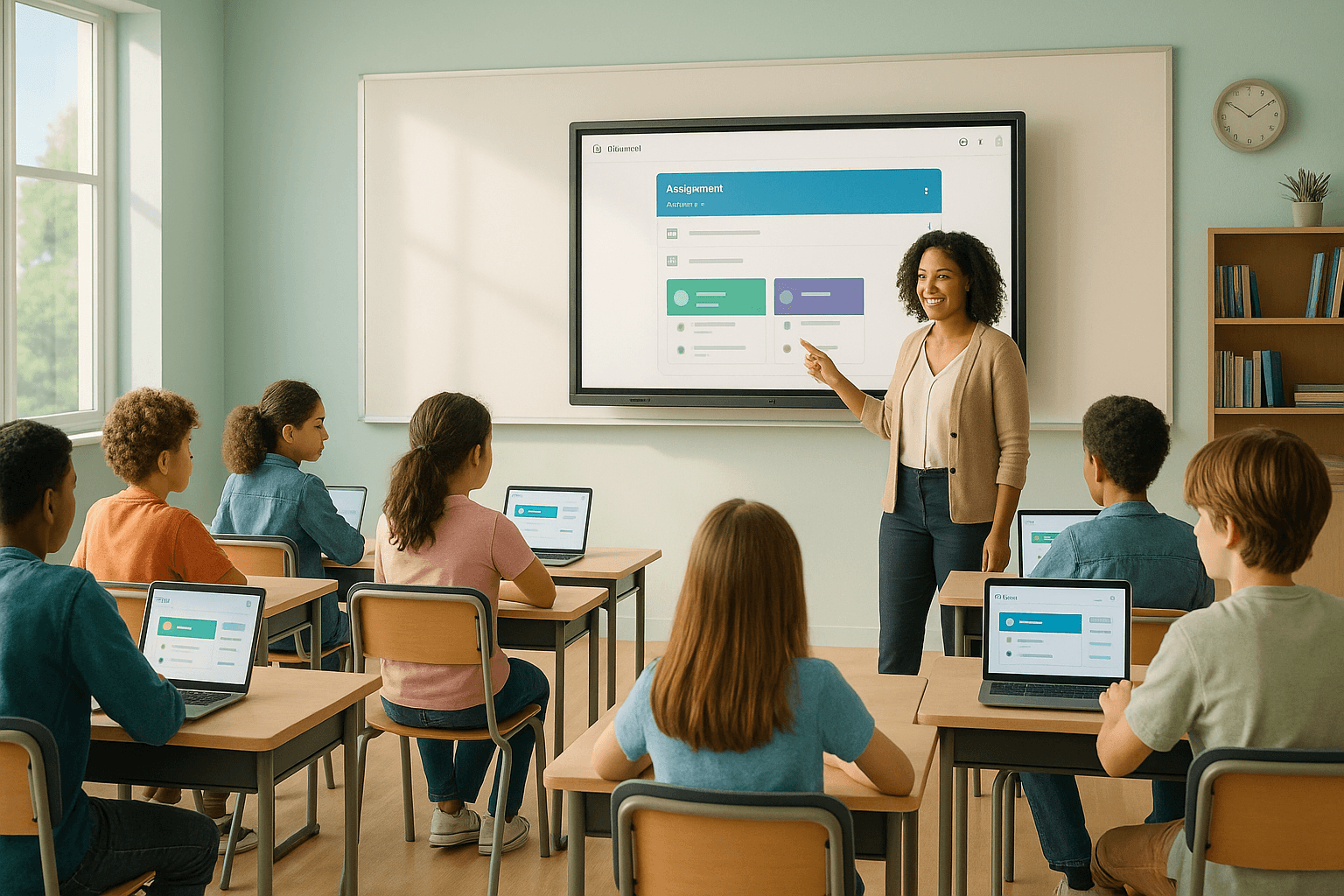



What Is a Learning Management System?
A learning management system, or LMS, is a software platform that schools and educators use to deliver, manage, and track learning experiences online. It centralizes course content, assignments, grades, and communication in one place — accessible to teachers, students, and parents from any device.
In K–12 education, an LMS is more than a digital gradebook. It becomes the backbone of how learning flows between school and home, between teacher and student, between intention and outcome.
Why Choosing the Right LMS Matters More Than Ever
The platform you choose shapes how teachers teach and how students engage. A poor fit creates friction. A good fit almost disappears — it just works.
Research from the International Society for Technology in Education (ISTE) consistently shows that when technology reduces administrative burden, teachers reclaim time for meaningful instruction. That's the real promise of a well-chosen LMS.
But the market is crowded. Google Classroom, Canvas, Schoology, Blackboard, Moodle, Seesaw — each platform makes compelling claims. The question isn't which one is best in the abstract. The question is which one fits your school's specific needs, culture, and capacity.
Top LMS Platforms Compared for K–12 Schools
Understanding the major platforms side by side helps school leaders make grounded, confident decisions. Here's how the most widely used systems compare across the dimensions that matter most in real school environments.
Google Classroom: Simplicity at Scale
Google Classroom remains the most widely adopted LMS in K–12 education globally. Its strength is simplicity. Teachers can create, distribute, and collect assignments within minutes. Integration with Google Docs, Slides, and Forms makes it feel natural for schools already using Google Workspace.
What it does well:
- Extremely low learning curve for teachers and students
- Seamless integration with Google tools already in use
- Free for schools through Google Workspace for Education
- Reliable performance across low-bandwidth environments
Where it falls short: Google Classroom lacks robust gradebook customization, advanced reporting, and deep curriculum mapping tools. Schools needing structured learning pathways or standards-aligned tracking will quickly feel its limits.
Best fit: Elementary and middle schools, schools new to LMS adoption, or districts prioritizing ease of use over feature depth.
Canvas LMS: The Educator's Workhorse
Canvas, developed by Instructure, has become the go-to platform for districts that want more instructional power without sacrificing usability. It offers a rich set of tools — from SpeedGrader for efficient feedback to detailed analytics dashboards for monitoring student progress.
Canvas supports competency-based learning, integrates with hundreds of third-party apps through LTI (Learning Tools Interoperability), and allows teachers to build structured, module-based courses that mirror real curriculum design.
What it does well:
- Strong gradebook with standards-based grading options
- Robust analytics and learning mastery tracking
- Highly customizable course design
- Active educator community and professional development resources
Where it falls short: Canvas has a steeper learning curve than Google Classroom. Implementation requires meaningful professional development investment. Costs can also scale significantly for larger districts.
Best fit: Middle and high schools, districts with instructional coaches, or schools pursuing competency-based or mastery learning models.
Schoology: Built for Collaboration and Communication
Schoology sits in an interesting middle ground. It combines LMS functionality with a social learning layer — think of it as a structured academic environment with built-in communication tools that feel intuitive to both teachers and families.
Its parent communication features are notably strong. Parents receive real-time updates on assignments, grades, and school announcements without needing a separate app. For schools prioritizing family engagement, this is a genuine differentiator.
What it does well:
- Intuitive parent and family communication tools
- Strong district-level administration and reporting
- Good balance of simplicity and instructional depth
- Built-in assessment tools with analytics
Where it falls short: Schoology's interface can feel dated compared to newer platforms. Some teachers find the course creation workflow less flexible than Canvas.
Best fit: Districts prioritizing family engagement, schools with strong administrative oversight needs, or systems looking for an all-in-one communication and instruction platform.
Seesaw: The Elementary Classroom Champion
Seesaw was built specifically for younger learners, and it shows. Its portfolio-based approach lets students document their learning through photos, videos, drawings, and voice recordings. This makes it uniquely powerful for early childhood and elementary classrooms where traditional text-based platforms fall flat.
Teachers can send assignments, families can comment on student work, and administrators can monitor engagement — all within an interface designed for students as young as five.
What it does well:
- Age-appropriate design for K–5 learners
- Multimodal student expression (video, audio, drawing, text)
- Strong family connection and visibility into learning
- Encourages student agency and reflection
Where it falls short: Seesaw is not designed for secondary education. It lacks the gradebook depth, curriculum mapping, and advanced reporting that middle and high schools require.
Best fit: PreK through Grade 5, schools focused on student portfolios and authentic assessment, or classrooms emphasizing social-emotional learning alongside academics.
Moodle: Open-Source Flexibility for Tech-Forward Schools
Moodle is the world's most widely used open-source LMS. It's free to download and infinitely customizable — but that flexibility comes with a cost. Moodle requires technical expertise to deploy, maintain, and optimize. Without a dedicated IT team or a managed hosting partner, it can become more burden than benefit.
For schools or districts with strong technical capacity, Moodle offers unmatched control over data, design, and functionality. It also aligns well with schools that prioritize data privacy and want full ownership of their learning environment.
What it does well:
- No licensing costs for the core platform
- Highly customizable for specialized instructional needs
- Strong data privacy controls and self-hosting options
- Extensive plugin library for added functionality
Where it falls short: Moodle demands significant technical resources. The default interface is less intuitive than commercial alternatives, and teacher adoption often requires sustained support.
Best fit: Tech-forward districts with IT capacity, international schools, or institutions with specific data sovereignty requirements.
Key Features to Compare When Evaluating LMS Platforms
The right comparison isn't just about platform names — it's about the specific features that determine whether a system actually supports teaching and learning in your context.
Gradebook and Assessment Tools
Every LMS offers some form of gradebook, but the depth varies enormously. Look for platforms that support standards-based grading if your school uses that model. Consider whether the system allows weighted categories, rubric-based assessment, and easy export for reporting purposes.
Canvas and Schoology lead here. Google Classroom handles basics well. Seesaw prioritizes portfolio evidence over traditional grades.
Student Data and Learning Analytics
Data-informed instruction is only possible when the platform surfaces meaningful information. Strong LMS platforms show teachers which students haven't logged in, which assignments have low completion rates, and where students are struggling within specific content areas.
Look beyond surface-level metrics. The most useful analytics connect engagement data to learning outcomes — not just who clicked, but who understood.
Accessibility and Inclusive Design
An LMS that doesn't work for all learners isn't a learning management system — it's a barrier. Evaluate each platform against WCAG 2.1 accessibility standards. Consider whether the platform supports screen readers, closed captioning, text-to-speech, and adjustable font sizes.
This matters especially for schools serving students with IEPs or 504 plans. Accessibility should be a non-negotiable filter, not an afterthought.
Integration with Existing Tools
No LMS exists in isolation. Schools use reading platforms, math programs, assessment tools, and communication apps alongside their core system. The question is how well these integrate.
LTI-compliant platforms like Canvas and Moodle connect with the widest range of third-party tools. Google Classroom integrates deeply with the Google ecosystem but can be limited outside of it.
Ease of Use for Teachers and Students
Adoption rates determine impact. A feature-rich platform that teachers avoid using provides less value than a simpler one they use consistently. Before committing to any platform, pilot it with a representative group of teachers — including those who are less tech-comfortable.
Student experience matters equally. If students struggle to navigate the platform, engagement drops regardless of content quality.
Free vs. Paid LMS Options: What Schools Actually Get
Cost is a real constraint for most schools. But the free-vs-paid distinction deserves nuance.
Google Classroom is genuinely free and genuinely capable for many schools. Seesaw offers a free tier with meaningful functionality. Moodle is free to download but carries hidden costs in hosting, customization, and support.
Canvas and Schoology operate on subscription models that scale with district size. Both offer free trials and sometimes reduced pricing for public schools. The investment is often justified when the alternative is a patchwork of disconnected tools that create more work than they save.
The real question isn't what the platform costs — it's what the wrong platform costs in teacher time, student disengagement, and lost learning continuity.
How to Choose the Best LMS for Your School or District
There's no universal answer, but there is a reliable process. School leaders who make strong LMS decisions tend to follow a similar path.
Start with Your Instructional Goals
Before evaluating platforms, get clear on what you're trying to accomplish instructionally. Are you building blended learning capacity? Supporting remote or hybrid instruction? Implementing standards-based grading? Improving family communication?
Your instructional goals should drive your platform requirements — not the other way around.
Involve Teachers Early and Often
Teachers are the primary users of any LMS. Their buy-in determines adoption. Involve teacher leaders in the evaluation process from the beginning. Run structured pilots. Gather feedback systematically. A platform chosen by administrators without teacher input often faces quiet resistance in classrooms.
Evaluate for Your Specific Grade Bands
A single LMS rarely serves PreK and Grade 12 equally well. Consider whether you need different platforms for different grade bands, or whether a single platform can be configured to serve diverse age groups effectively.
Seesaw for K–5, Canvas for 6–12 is a common and effective combination in many districts.
Plan for Professional Development
The platform is only as good as the training behind it. Budget for meaningful professional development — not a one-time training session, but ongoing support that helps teachers use the platform's features with increasing depth over time.
Research on technology integration consistently shows that sustained coaching produces stronger adoption than any one-time rollout event.
LMS Trends Shaping the Future of School Technology
The LMS landscape is evolving quickly. Understanding where platforms are heading helps school leaders make decisions that won't feel outdated in three years.
AI-Powered Personalization in Learning Platforms
Several LMS providers are integrating artificial intelligence to personalize learning pathways, flag at-risk students earlier, and automate routine feedback. Canvas and Schoology have both announced AI-enhanced features in recent years.
The promise is real, but so is the caution. AI tools in education must be evaluated for bias, transparency, and alignment with actual learning science — not just marketed efficiency.
Interoperability and Open Standards
Schools are increasingly demanding that platforms talk to each other. The push toward open standards like LTI, xAPI, and QTI reflects a broader shift away from vendor lock-in. When evaluating an LMS, ask specifically how it handles data portability and third-party integration.
Mobile-First Learning Environments
Students increasingly access learning from smartphones, not laptops. Platforms that treat mobile as an afterthought create real equity gaps. Evaluate the mobile experience of any LMS as seriously as the desktop version — because for many students, mobile is the primary access point.
Making the Decision: A Practical Framework for School Leaders
Choosing an LMS is a significant decision. It shapes daily teaching practice, student experience, and family communication for years. Take the time to do it well.
Start with your goals. Involve your teachers. Pilot before you commit. Plan for training. And remember — the best LMS is the one your teachers actually use, your students can navigate, and your families feel connected through.
Technology should serve learning. When it does, it becomes nearly invisible — and that's exactly when you know you've chosen well.